Android media player and playlist portal
Your playlists. Your device. One clean player.
iOPlayer is a modern media player for Android TV, tablet, and phone devices, and for Windows 10/11 desktops. It helps you organize user-provided Xtream Codes, M3U, and M3U8 playlists, manage playback sections, use MultiView, apply parental category locks, update the app, and sync settings through a secure web portal.
See the app before you install it.
Real Android emulator screens showing the playlist hub, media browsing, settings tools, and MultiView setup.
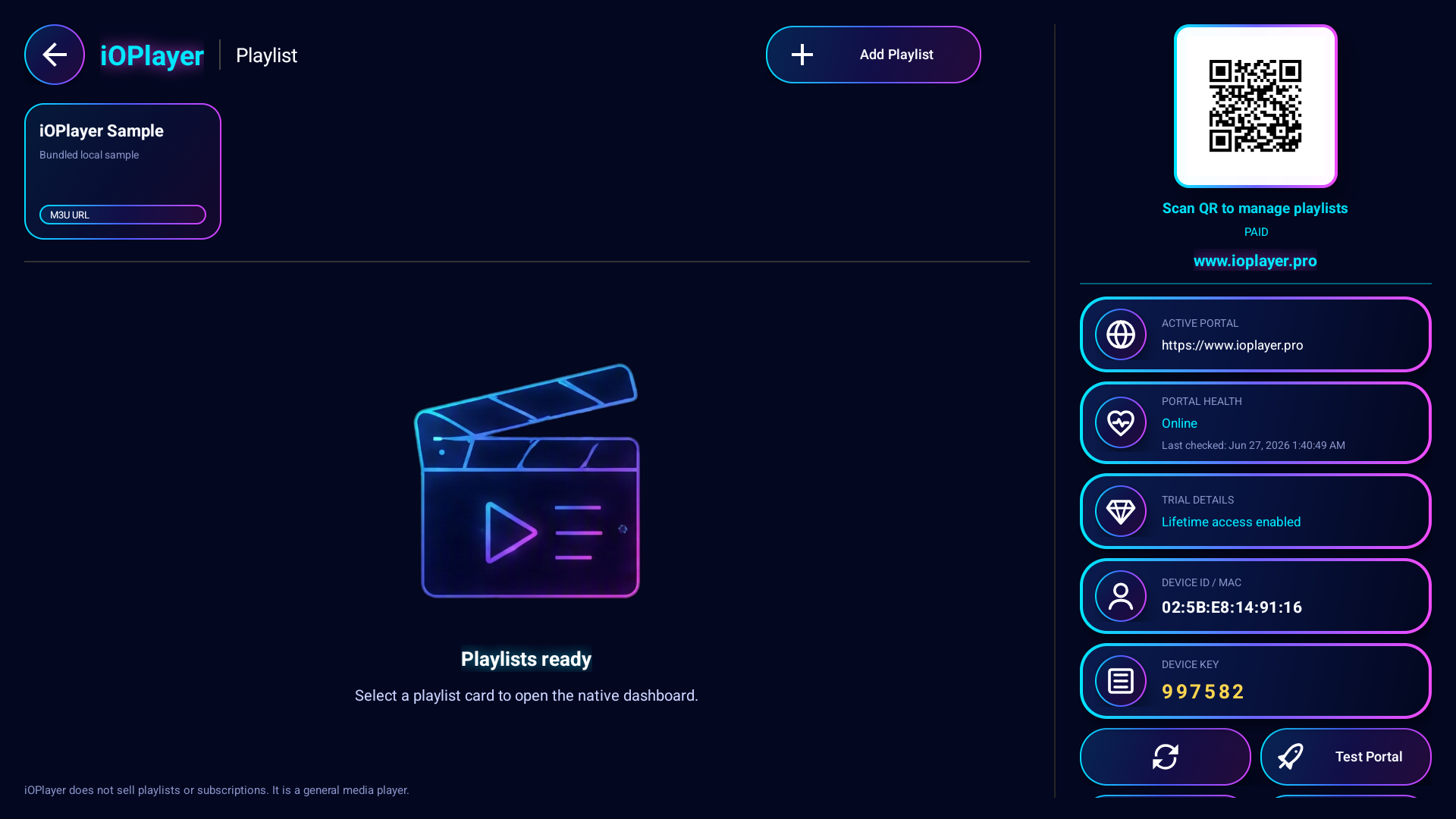
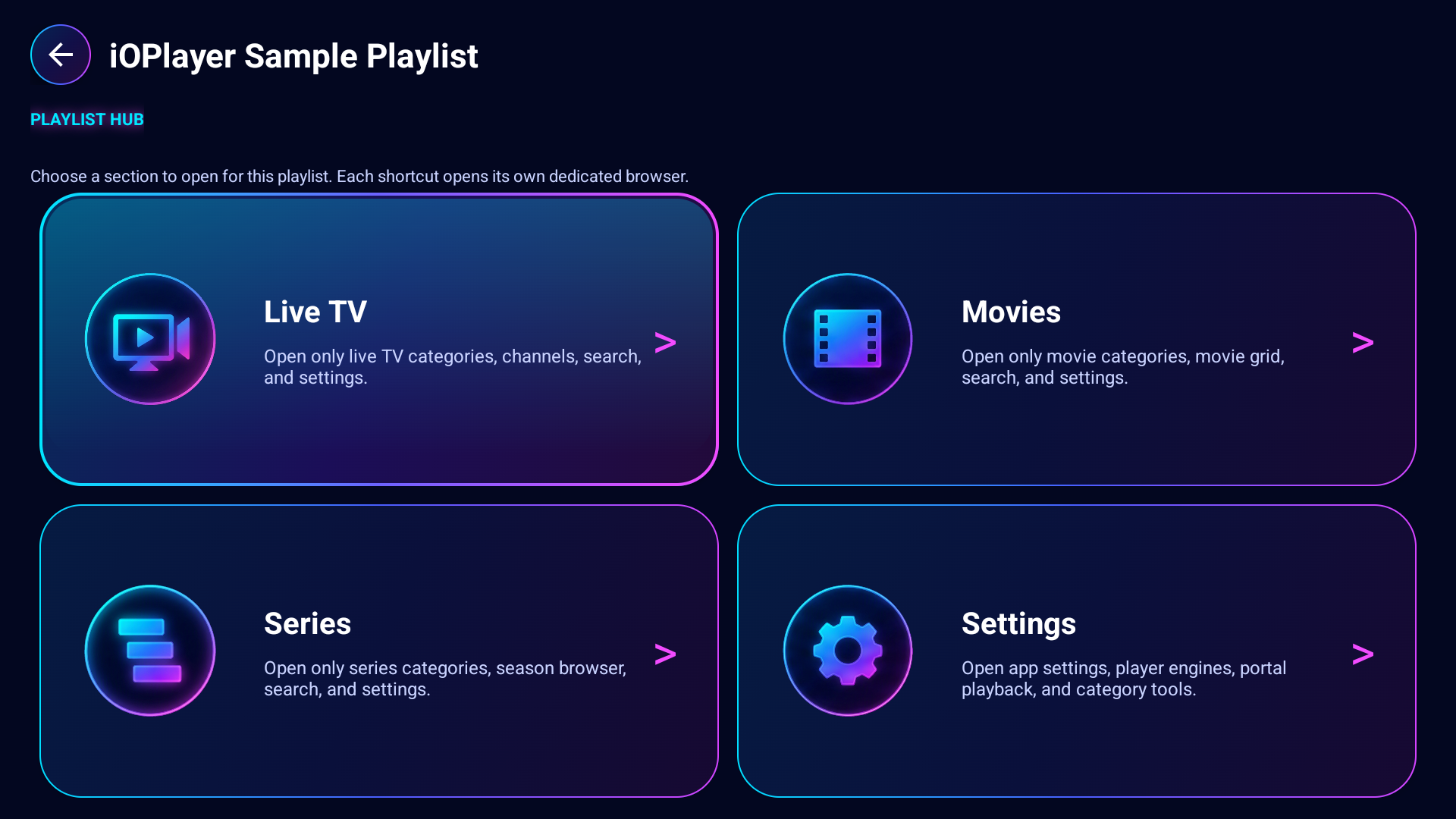
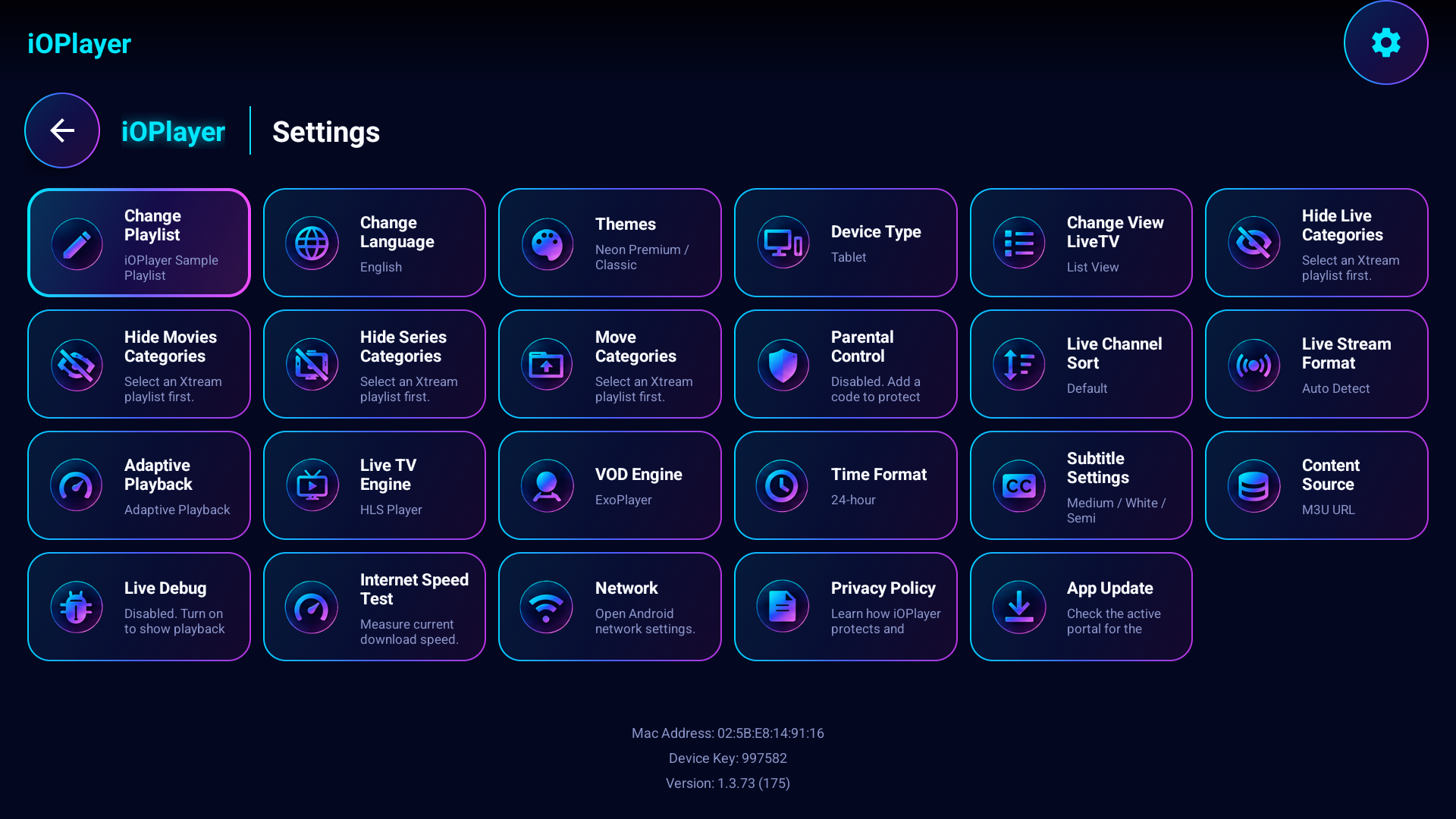
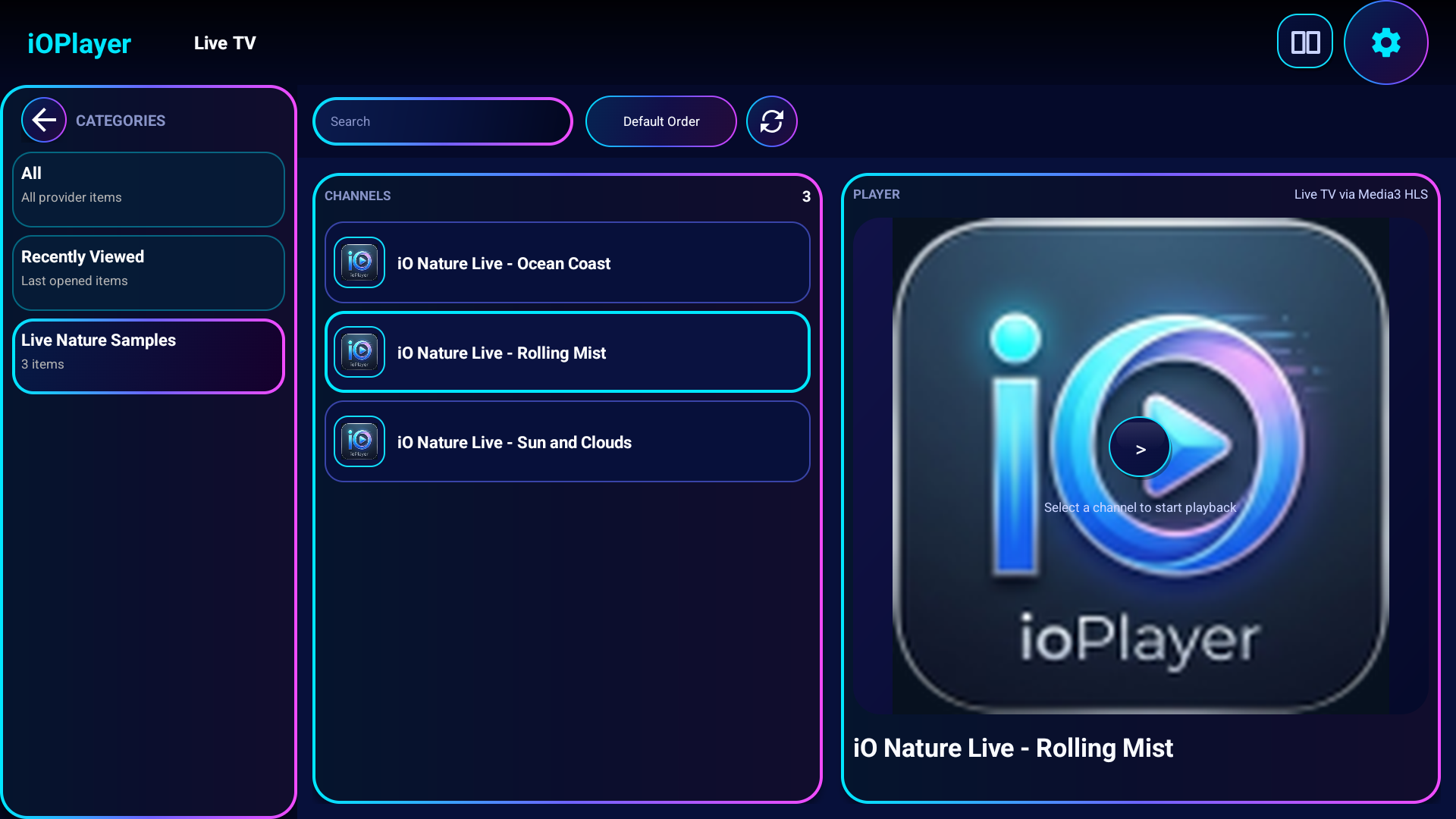
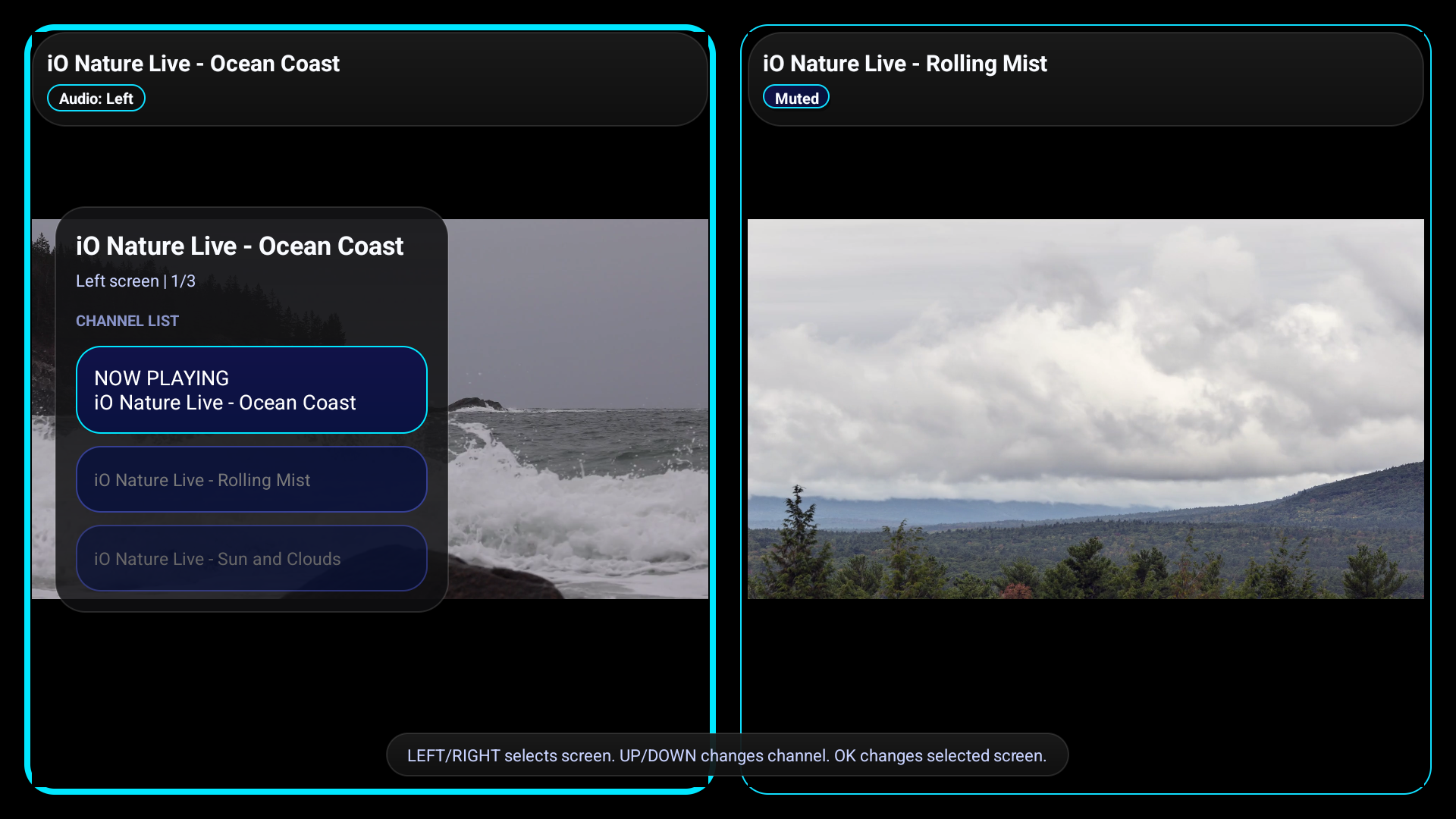
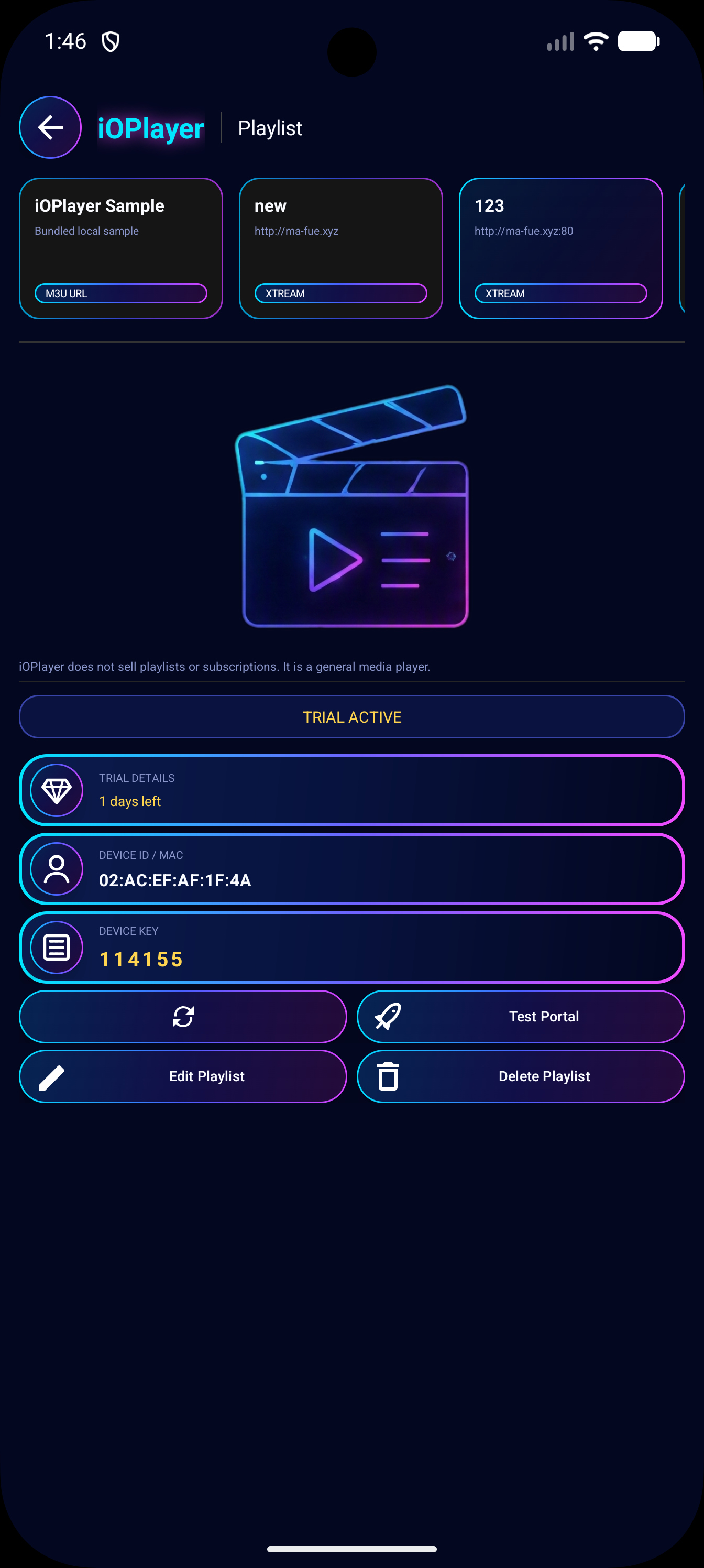
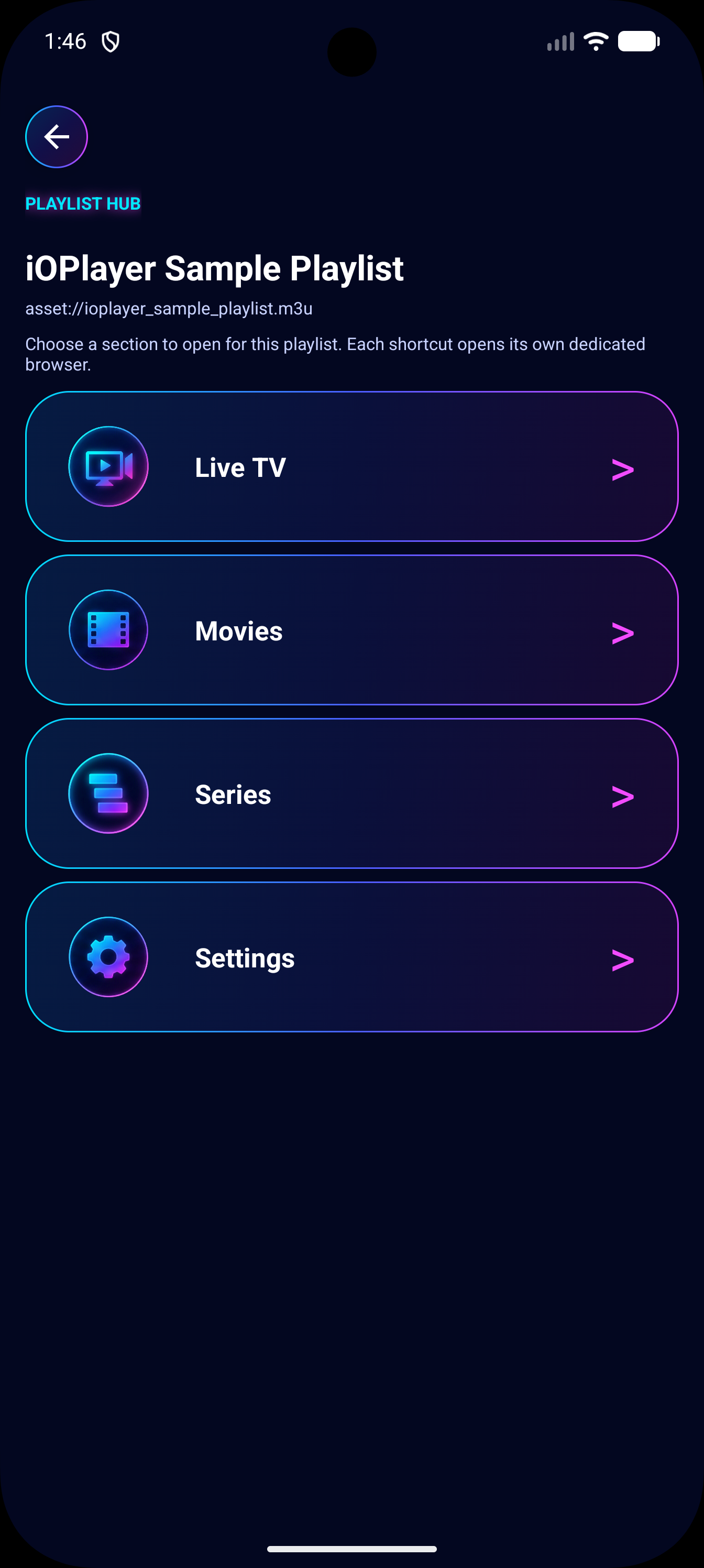
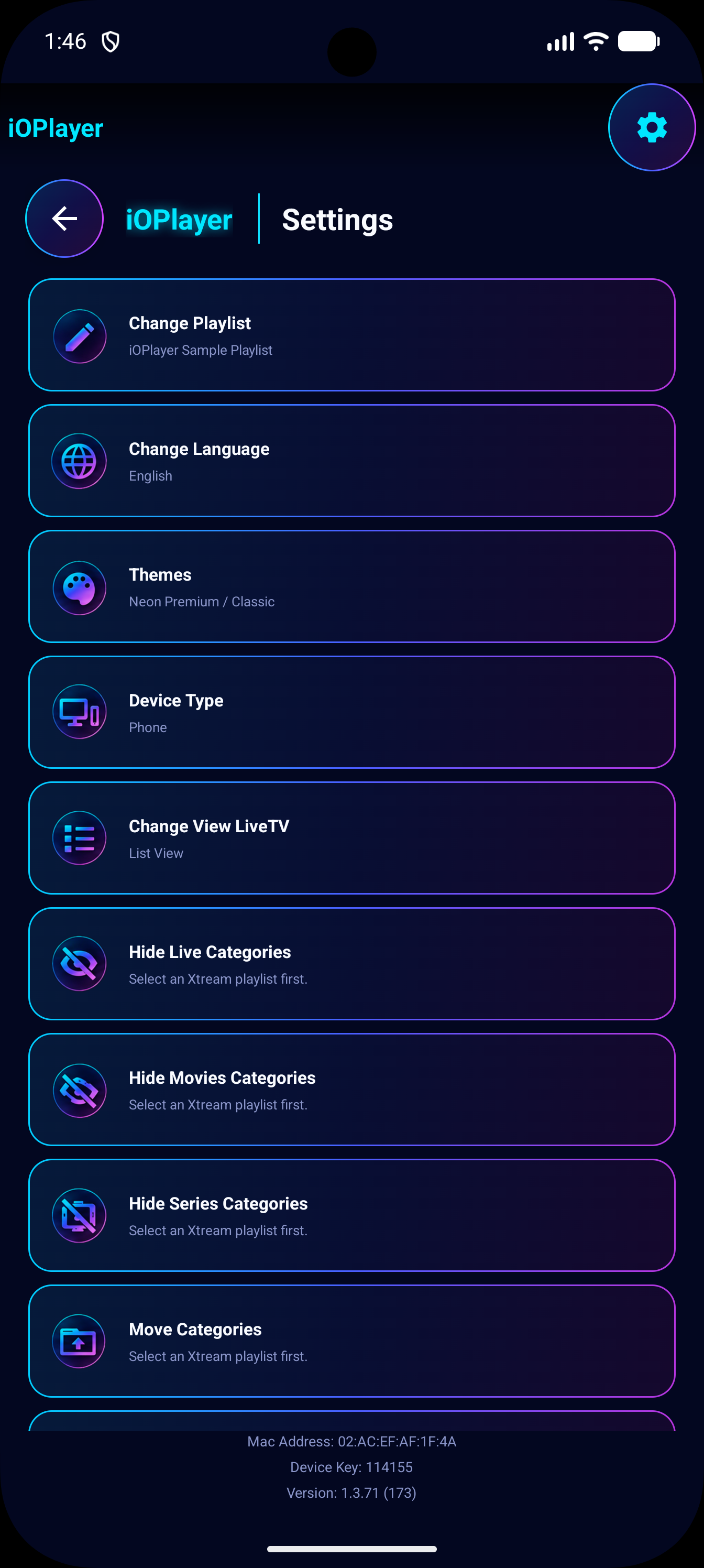
Everything important, without a long page.
Open each section as a focused page: features, setup, downloads, playlist sources, FAQ, and legal terms. The device portal stays on the home page so customers can connect fast without scrolling through documentation.
Features
MultiView, playlist sections, parental category locks, themes, speed tools, and remote-friendly playback.
Setup Guide
Install the APK, find your MAC and Device Key, then add your playlist from the portal.
Download
Get the Android package or the Windows 10/11 installer, with version metadata and direct download links.
Playlist Sources
Xtream Codes, M3U URL, M3U upload, and Stalker portal workflows are all supported.
FAQ
Quick answers about content, installation, supported formats, and playlist management.
Terms & Conditions
Legal usage terms, content disclaimer, device portal rules, and customer responsibilities.
Privacy Policy
Device activation data, playlist storage, payment confirmation, diagnostics, and user choices.
Connect Device
Enter the MAC address and Device Key shown inside the iOPlayer app.
Find your MAC and PIN on your TV's startup screen.
Device Info
Need Help?
If you encounter any issues, please refresh the app on your TV after saving changes here.
Email support: dev.ioplayer.pro@gmail.com