Organized Playlist Sections
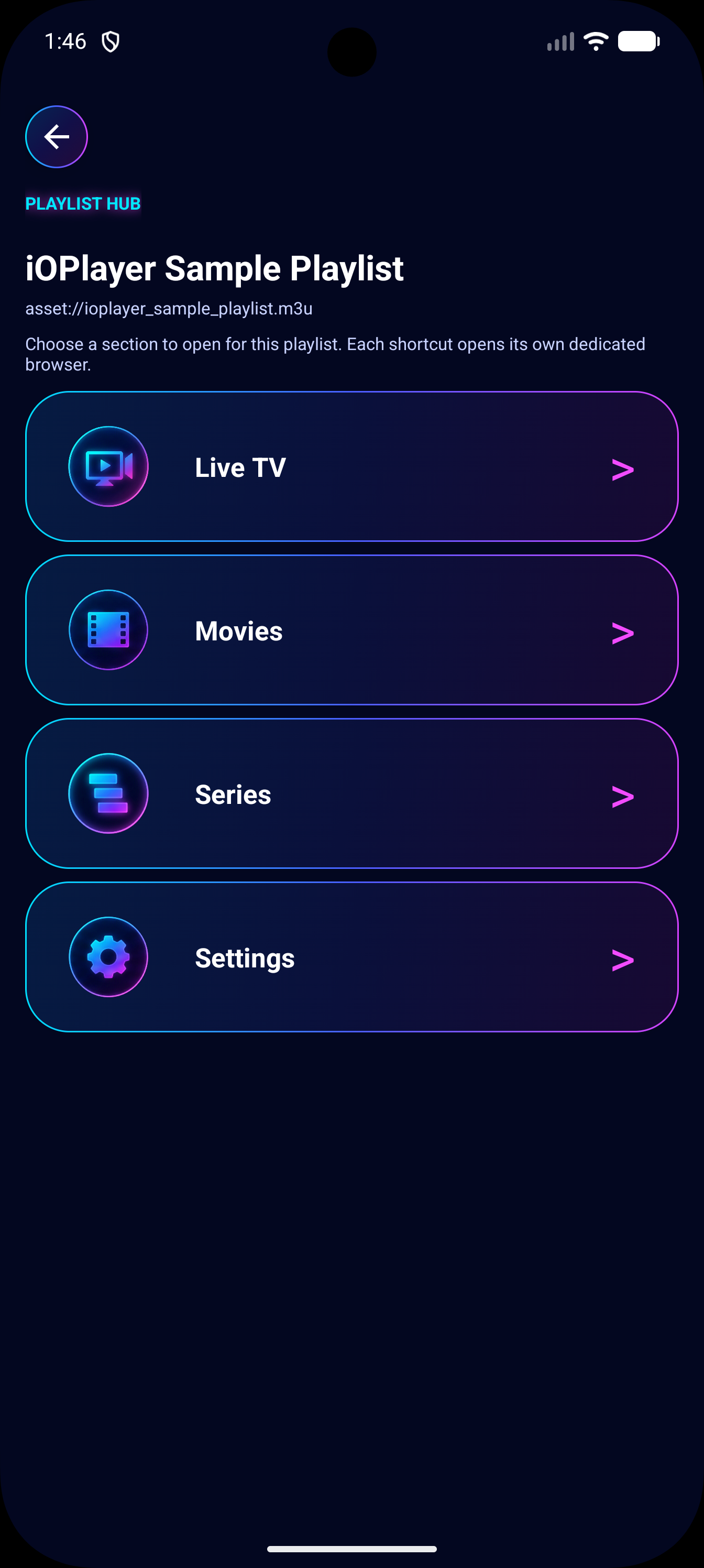
Dedicated browsing areas help users navigate compatible entries from their own playlists with a TV remote.
iOPlayer is built for Android TV, tablets, and phones with remote-friendly navigation, touch controls, fast playlist setup, category control, and reliable playback tools. It does not include or provide media content.
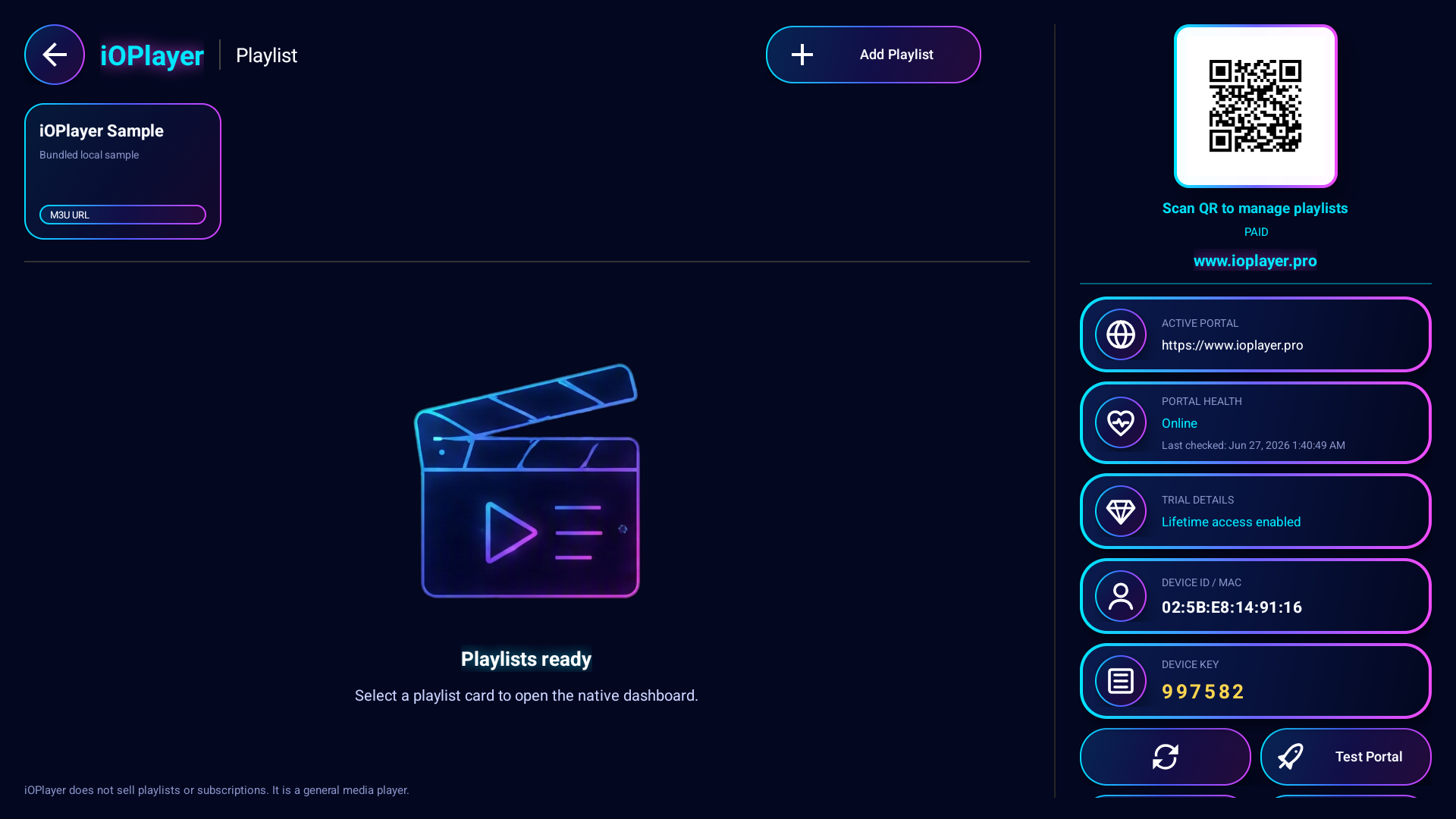
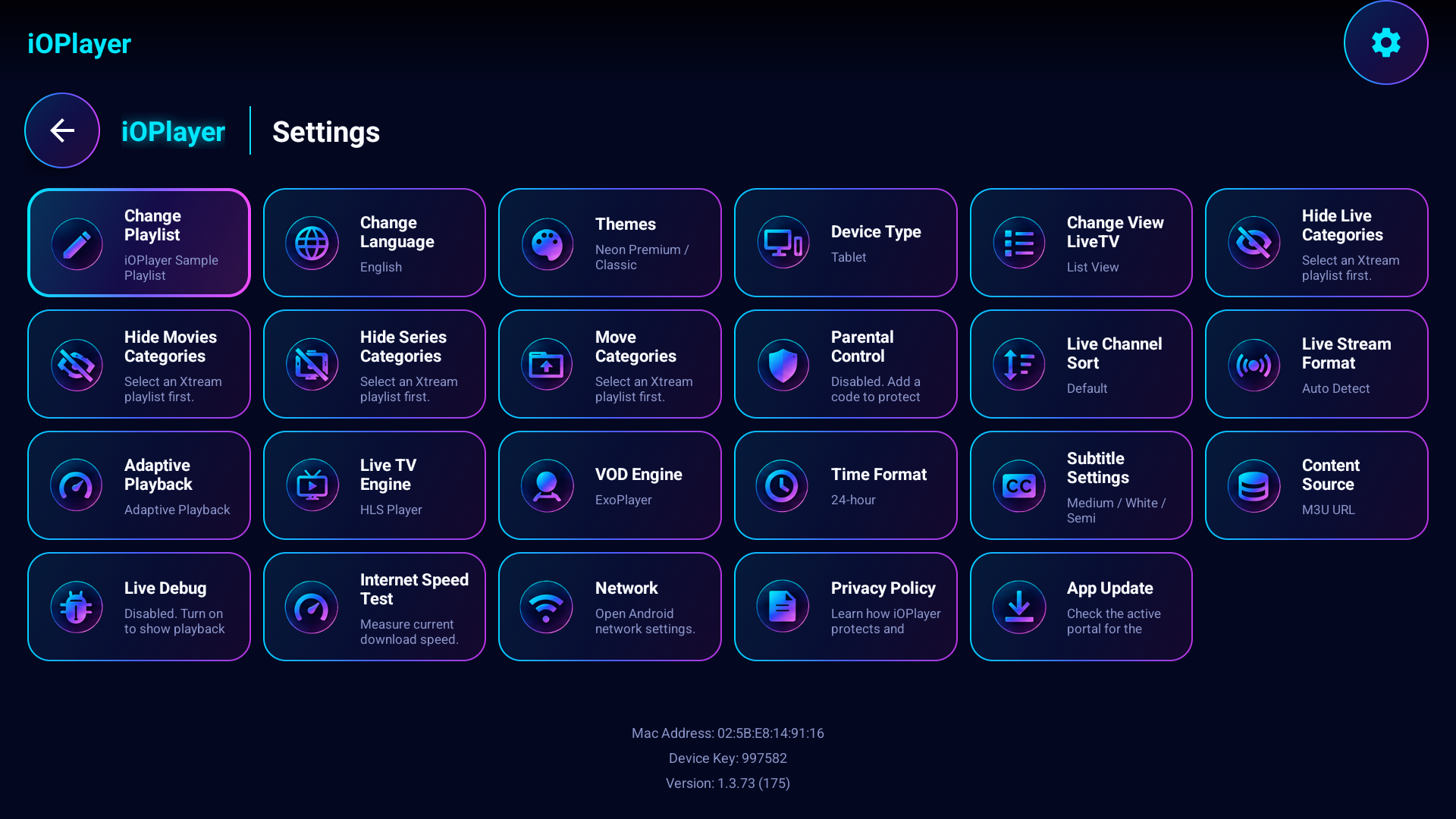
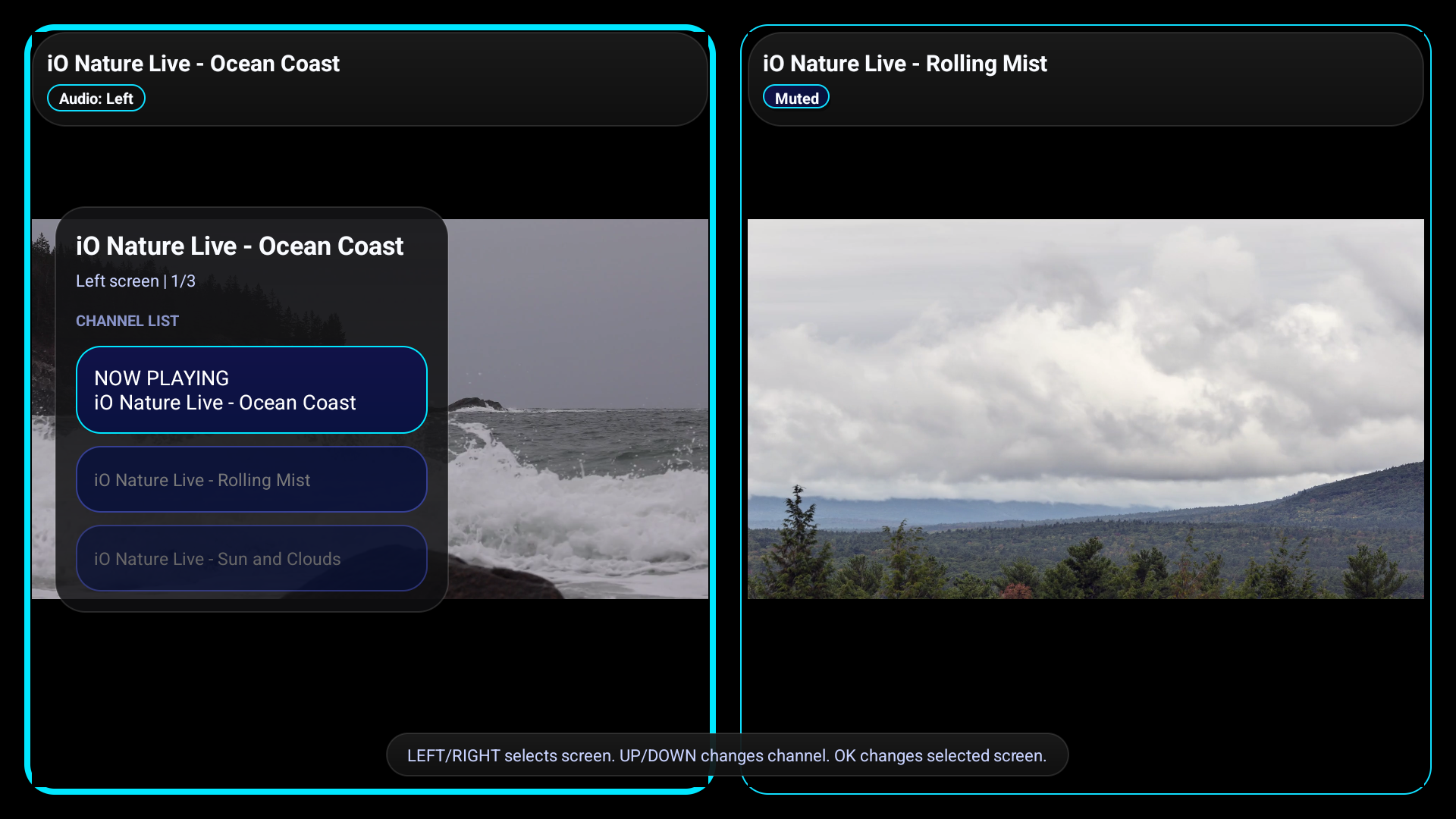
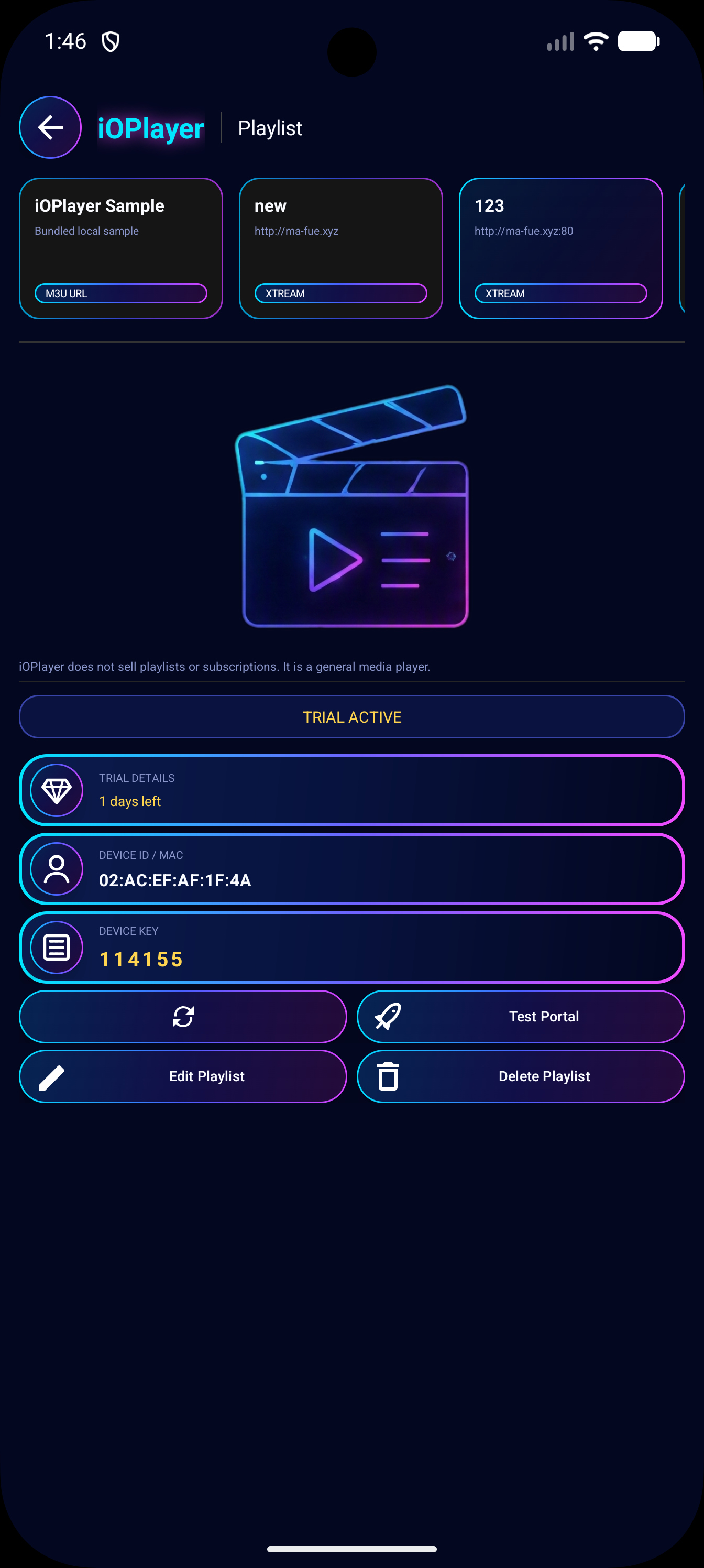
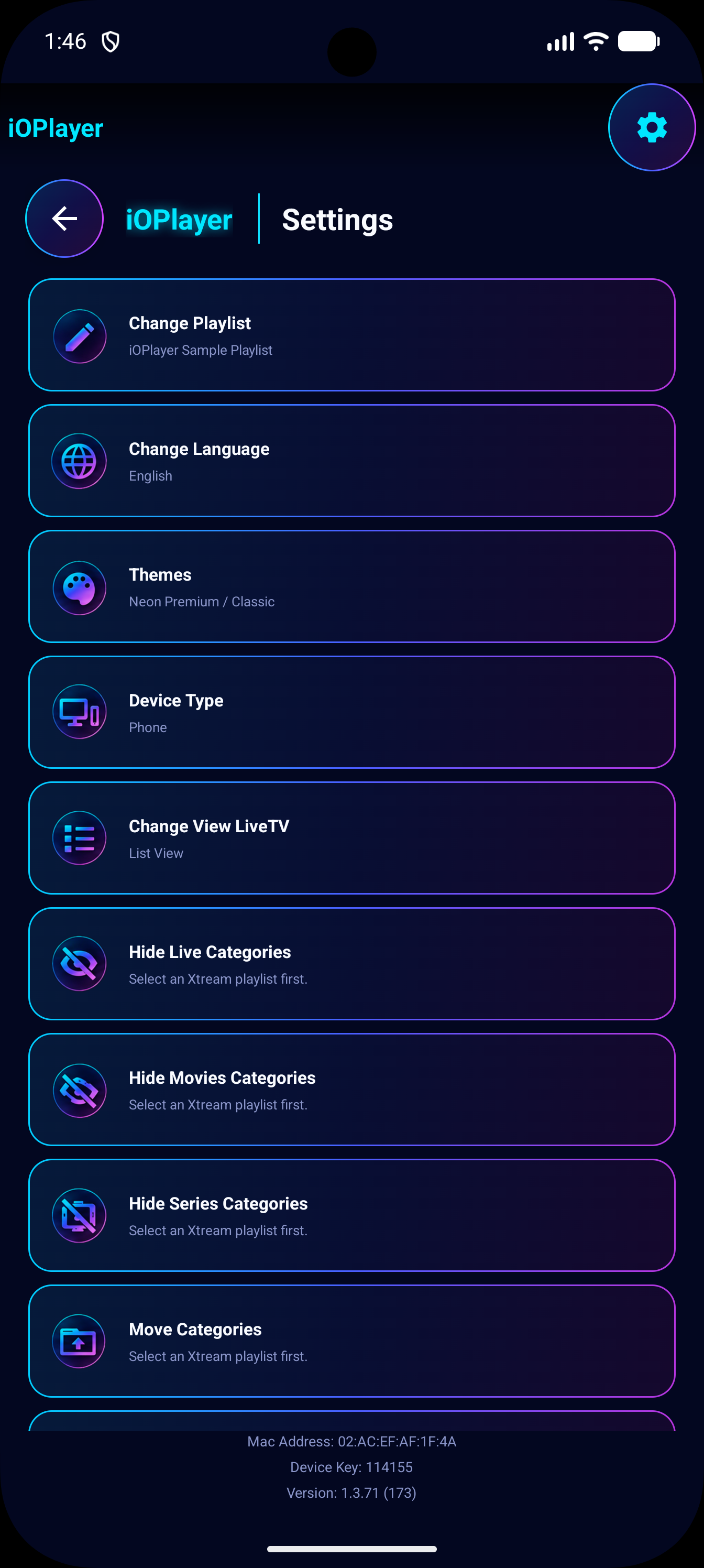
These public-safe emulator screenshots show the current app flow: section hub navigation, user-provided media browsing, professional settings, and MultiView selection.
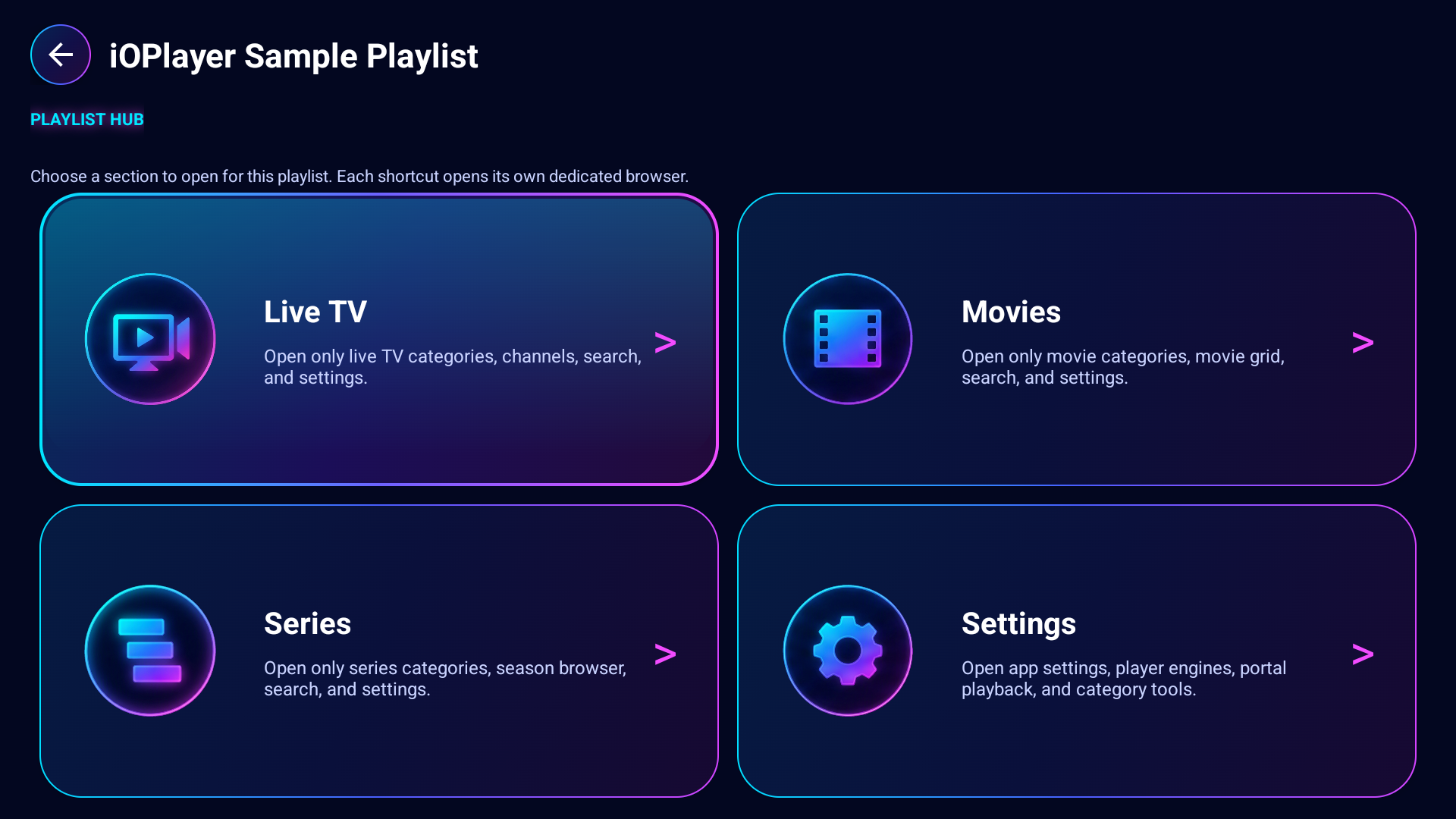
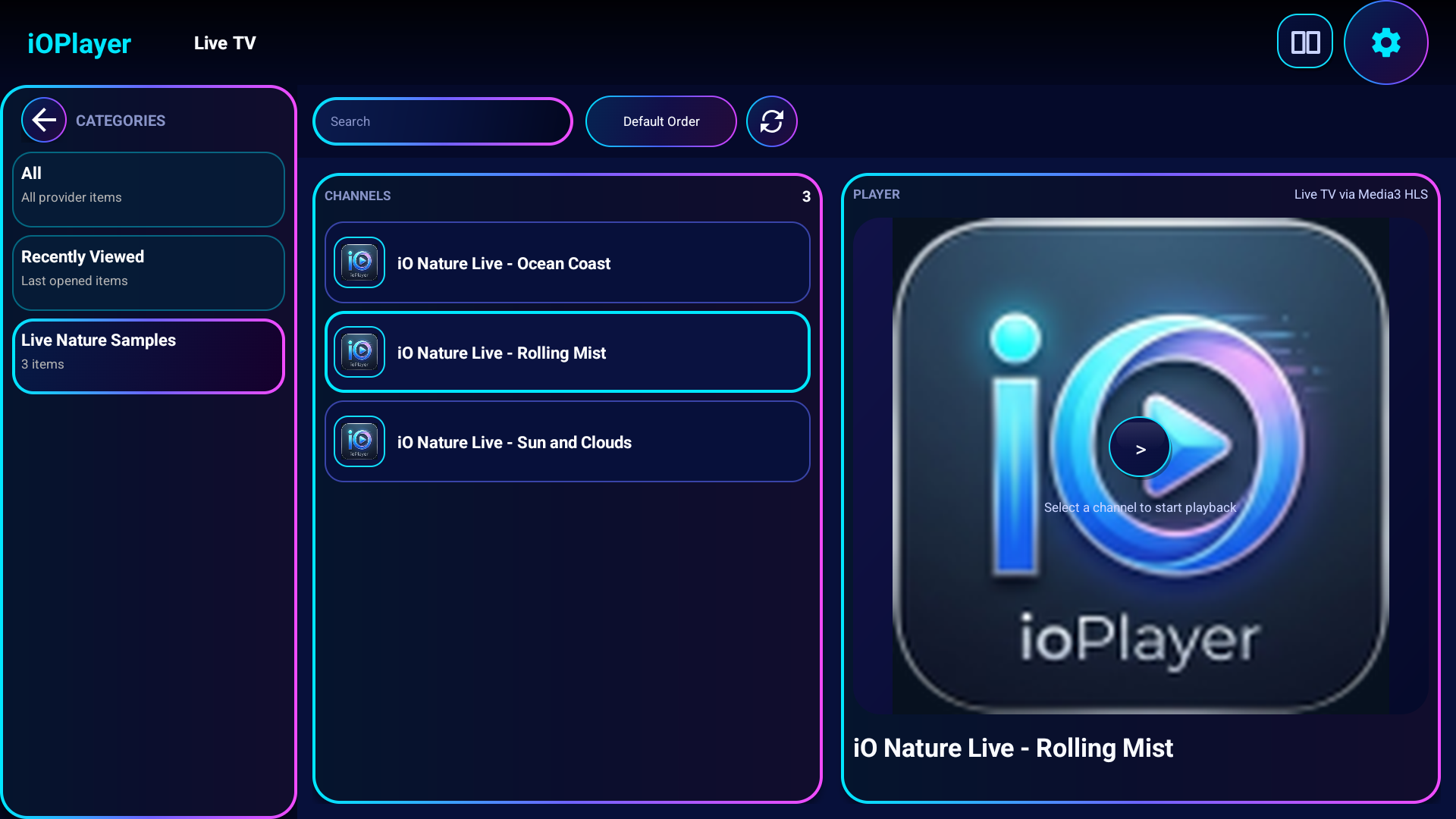
Dedicated browsing areas help users navigate compatible entries from their own playlists with a TV remote.
Play two user-provided streams side by side, switch audio between left and right screens, and change entries with D-pad up/down on the selected side.
Add Xtream credentials, M3U URLs, or uploaded M3U files from the web portal instead of typing long links on a TV.
Save playlist entries to Favorites and return to recently opened user-provided media faster.
Hide or reorder categories per playlist source, move category lists faster with D-pad shortcuts, and reset when needed.
Protect selected playlist categories with a parental code. Locked categories request the code again when users leave and re-select them.
Media3/ExoPlayer playback with HLS support, adaptive playback mode, subtitle/audio controls, black letterboxing, and native trailer routing for direct video URLs.
Use portal playback where available, check for new Android builds from inside the app, and download updates directly from the active portal.
Choose a theme accent from Default Red, Baby Blue, Pink, or White while keeping the dark TV-ready interface consistent across the app.
Open Android network settings from the app and run speed checks, including a Speedtest.net option for download and upload testing.
Supported languages appear in settings only when translations exist, and language selection changes the app locale.